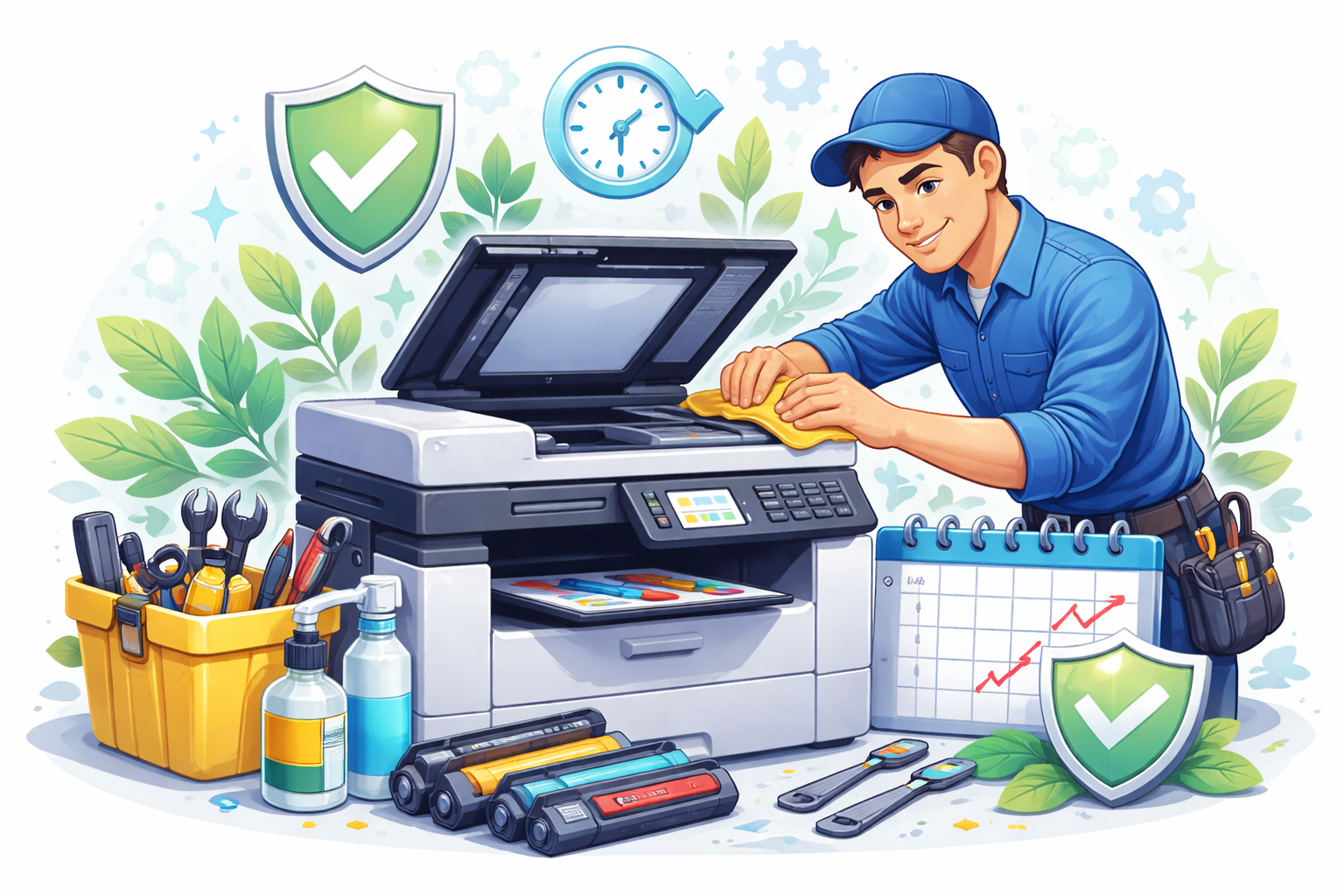
A well-maintained printer can last 7-10 years. A neglected one might struggle past 3 years. The difference isn't luck – it's consistent attention to a few key practices. Here's what actually makes a difference.
The Power Cycle Reality
Don't leave it running 24/7: Contrary to some beliefs, turning a printer off when not in use doesn't harm it. What does cause wear is the constant heat of an always-on laser printer.
Don't power cycle constantly: The opposite extreme – turning it on and off for every print job – also causes wear. Startup cycles stress motors and charge components.
The sweet spot: Turn on at start of day, off at end of day. For occasional home use, turn on when needed, leave on for a few hours, then off.
Use It or Lose It
Printers – especially inkjets – need regular use:
Inkjet heads dry out: If you don't print for weeks, ink dries in the print head nozzles. You'll waste ink on cleaning cycles or need professional service.
Print at least weekly: Even a single test page keeps ink flowing and mechanisms moving.
Toner doesn't dry out: Laser printers handle inactivity better, but mechanical components still benefit from occasional use.
Paper and Media Discipline
Never overload trays: Exceeding maximum paper capacity causes jams, misfeeds, and mechanism strain.
Don't mix paper in trays: Different paper types, sizes, or weights shouldn't share a tray. Inconsistency causes feed problems.
Store paper properly: Damp, dusty, or curled paper damages printers and produces poor output.
Remove paper you won't use soon: Paper sitting in open trays absorbs moisture and dust.
The Right Location
Where you place your printer affects its lifespan:
Ventilation: Printers generate heat. Leave space around all vents. Never block exhaust areas with paper, books, or walls.
Temperature stability: Avoid direct sunlight, air conditioning vents, or areas with extreme temperature swings.
Dust exposure: Keep away from high-traffic areas, open windows, and dusty environments. In Kenya's conditions, this matters significantly.
Level surface: Printers need flat, stable surfaces. Vibration and tilt cause mechanical problems.
Quality Consumables
Don't chase the cheapest toner: Poor quality toner can damage drums, contaminate fusers, and cause inconsistent output. Mid-range compatible or genuine cartridges are usually worth the price difference.
Replace when recommended: Pushing cartridges beyond their life can damage other components trying to compensate for depleted consumables.
Use the right consumables: Cartridges are model-specific. 'Close enough' models may fit but cause problems.
Regular Cleaning Schedule
A few minutes of regular cleaning prevents hours of repair:
Weekly: Wipe exterior surfaces. Remove dust from ventilation areas.
Monthly: Clean paper path. Wipe pickup rollers. Remove any visible debris inside.
Quarterly: Deeper internal cleaning. Corona wire cleaning for laser printers. Printhead cleaning for inkjets (use built-in utilities).
Annually: Professional service for heavily used printers. Inspection of components you can't easily access.
Don't Ignore Small Problems
Minor issues become major failures when ignored:
Unusual sounds: Grinding, clicking, or squeaking indicates developing problems. Address before they escalate.
Intermittent paper jams: Occasional jams might seem tolerable, but they stress mechanisms and usually worsen.
Print quality degradation: Fading, streaking, or spots often indicate component wear. Early attention prevents secondary damage.
Error messages: Even if the printer continues working, recurring errors signal problems that will eventually cause failures.
Firmware Updates
Manufacturers release updates that fix bugs and improve operation:
Check periodically: Visit the manufacturer's website every few months for updates.
Don't update if everything works: If your printer is running perfectly, updates aren't mandatory. But if you have issues, updates may resolve them.
Power Protection
Kenya's power conditions are harsh on electronics:
- Use surge protectors at minimum
- Consider UPS or AVR for valuable equipment
- Unplug during storms
Many printer failures we see trace directly to power events.
Professional Maintenance
At ilexDigital, we offer preventive maintenance programs that catch problems early and extend equipment life. For business-critical printers, scheduled professional service is the most cost-effective approach. Contact us to discuss a maintenance plan that fits your equipment and usage.
Comments
0 commentsLeave a Comment
No comments yet. Be the first to share your thoughts!