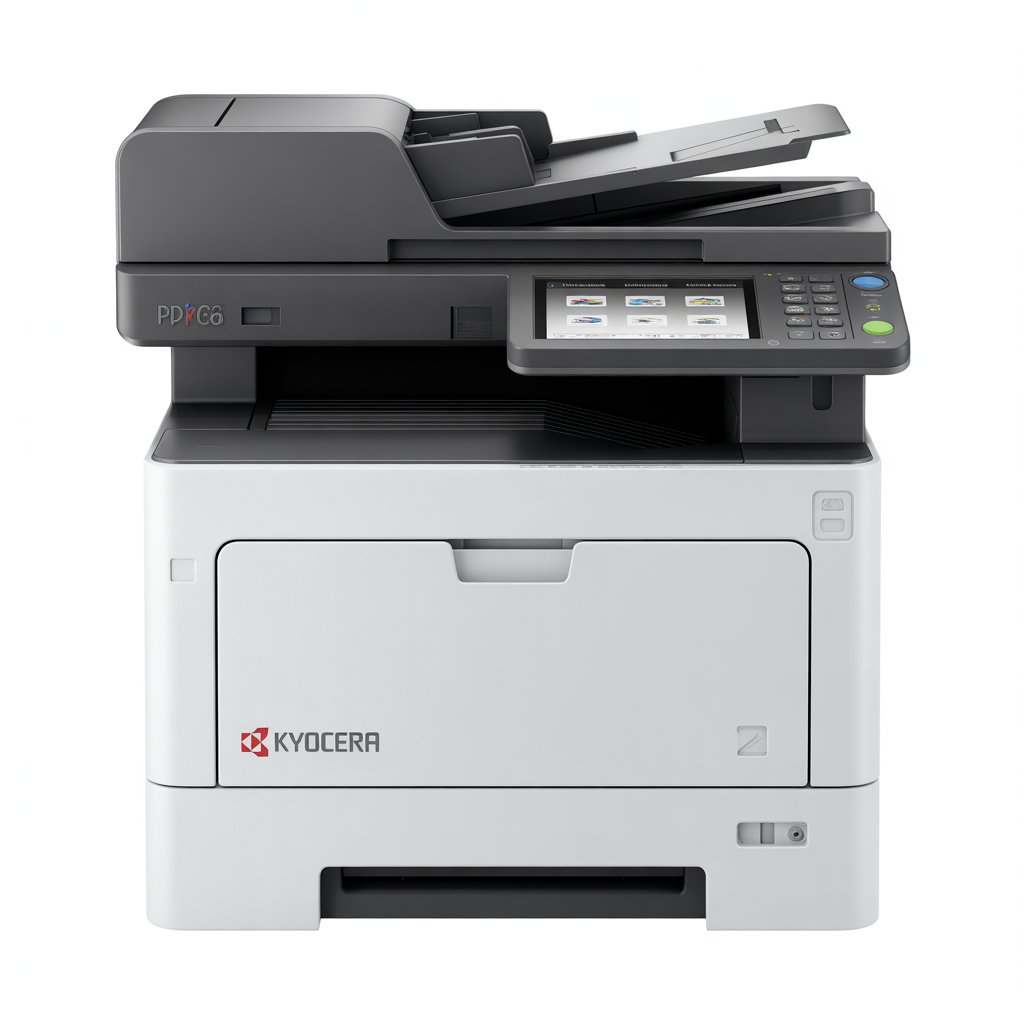
Kyocera: Built for Business
Kyocera printers are renowned for their durability and low running costs. Proper installation ensures you benefit from these advantages from day one.
Pre-Installation Checklist
Before starting:
- Verify electrical requirements (most need standard 220V)
- Ensure network infrastructure is ready
- Clear space for the printer (check dimensions in manual)
- Have IT credentials ready for network setup
Physical Setup Steps
- Remove all shipping materials (blue tape, internal packaging)
- Install drum unit and toner (follow included instructions)
- Load paper trays with appropriate media
- Connect power but don't turn on yet
- Connect network cable if using wired connection
Initial Configuration
Power on and complete the setup wizard:
- Set language and region
- Configure date/time
- Set administrator password (important for security)
- Configure network settings
Installing Kyocera Drivers
Download the KX driver package from Kyocera's website. The universal driver works across most models. Select your connection type during installation and configure default settings.
Advanced Configuration
Access Command Center RX (web interface) for:
- User authentication setup
- Scan-to-email configuration
- Address book management
- Firmware updates
Need Professional Installation?
Complex setups benefit from professional installation. Contact ilexDigital for Kyocera installation services in Nairobi.
Comments
0 commentsLeave a Comment
No comments yet. Be the first to share your thoughts!