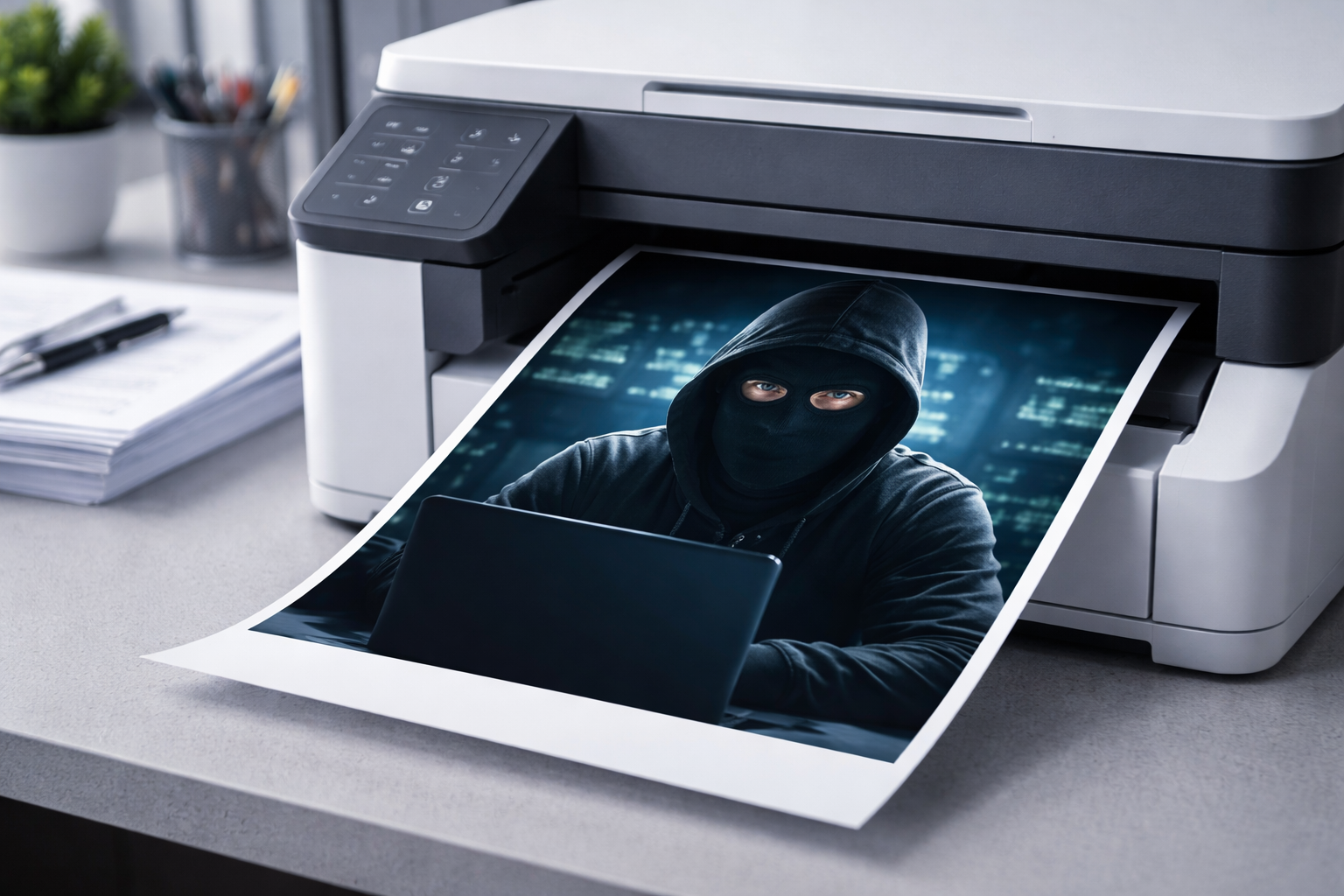
We think about computer security, network security, and physical security. But how many businesses consider printer security? That multifunction device in your office might be exposing sensitive data in ways you haven't imagined.
The Risks You Might Not Know
Document exposure: How often do printed documents sit uncollected in the output tray? Salary slips, contracts, medical records, financial statements – available to anyone walking past.
Stored data: Modern printers have hard drives that store copies of everything printed. If the printer is sold, discarded, or stolen without proper data erasure, that information goes with it.
Network access: Network-connected printers can be entry points for hackers. A compromised printer on your network might provide access to computers and servers.
Print logs: Printers keep records of print jobs. Who prints what and when can be sensitive information in itself.
Physical Security Measures
Printer placement: Don't put printers containing sensitive data in public areas. Position them where staff can see who collects documents.
Secure print release: Many enterprise printers support 'pull printing' where documents wait in a queue until the user authenticates at the printer – by PIN, swipe card, or fingerprint.
Document collection habits: Train staff to collect prints immediately. Establish clear desk policies for printed materials.
Disposal procedures: Shred sensitive documents. Have locked bins for documents awaiting shredding. Don't let confidential papers sit in open rubbish bins.
Network Security Measures
Change default passwords: Every printer has an admin interface with a default password. Change it immediately. 'Admin/admin' is not security.
Enable encryption: If your printer supports encrypted communication (SSL/TLS), enable it for print jobs and admin access.
Disable unused features: If you don't use remote management, disable it. Same for FTP, telnet, or other services. Each enabled feature is a potential vulnerability.
Update firmware: Manufacturers release security patches. Keep your printer firmware current. Yes, printers need updates just like computers.
Isolate on network: Consider placing printers on a separate network segment. If the printer is compromised, attackers shouldn't automatically have access to your main network.
Data Security Measures
Enable automatic data overwriting: Configure the printer to overwrite stored data after each job. This prevents data recovery from the hard drive.
Before disposal: When replacing a printer, perform a secure wipe of any internal storage. Some printers have this function built in. For others, you may need to physically remove and destroy the hard drive.
Encrypt stored data: If your printer offers hard drive encryption, enable it. Stolen hard drives become useless without the encryption key.
User Management
Individual accounts: Don't let everyone share one login. Individual accounts create accountability and allow granular permissions.
Audit trails: Enable logging of print activities. Not to spy on employees, but to have records if security incidents occur.
Print quotas: Limiting print quantities reduces both costs and the risk of mass data extraction through printing.
Policy Considerations
Security isn't just technical. Create policies for:
- What types of documents can be printed
- Who can access colour printing (sometimes used for counterfeiting)
- Maximum copies of sensitive documents
- Required use of secure print features for certain document types
- Reporting procedures for security concerns
Scaling Security to Your Needs
A small business doesn't need enterprise-grade security. But basic measures – changed passwords, conscious document handling, and proper disposal – cost nothing and prevent common problems.
At ilexDigital, we help businesses implement appropriate printer security measures. From basic configuration to enterprise security integration, we ensure your printing infrastructure doesn't compromise your data protection. Contact us for a security review of your current setup.
Comments
0 commentsLeave a Comment
No comments yet. Be the first to share your thoughts!