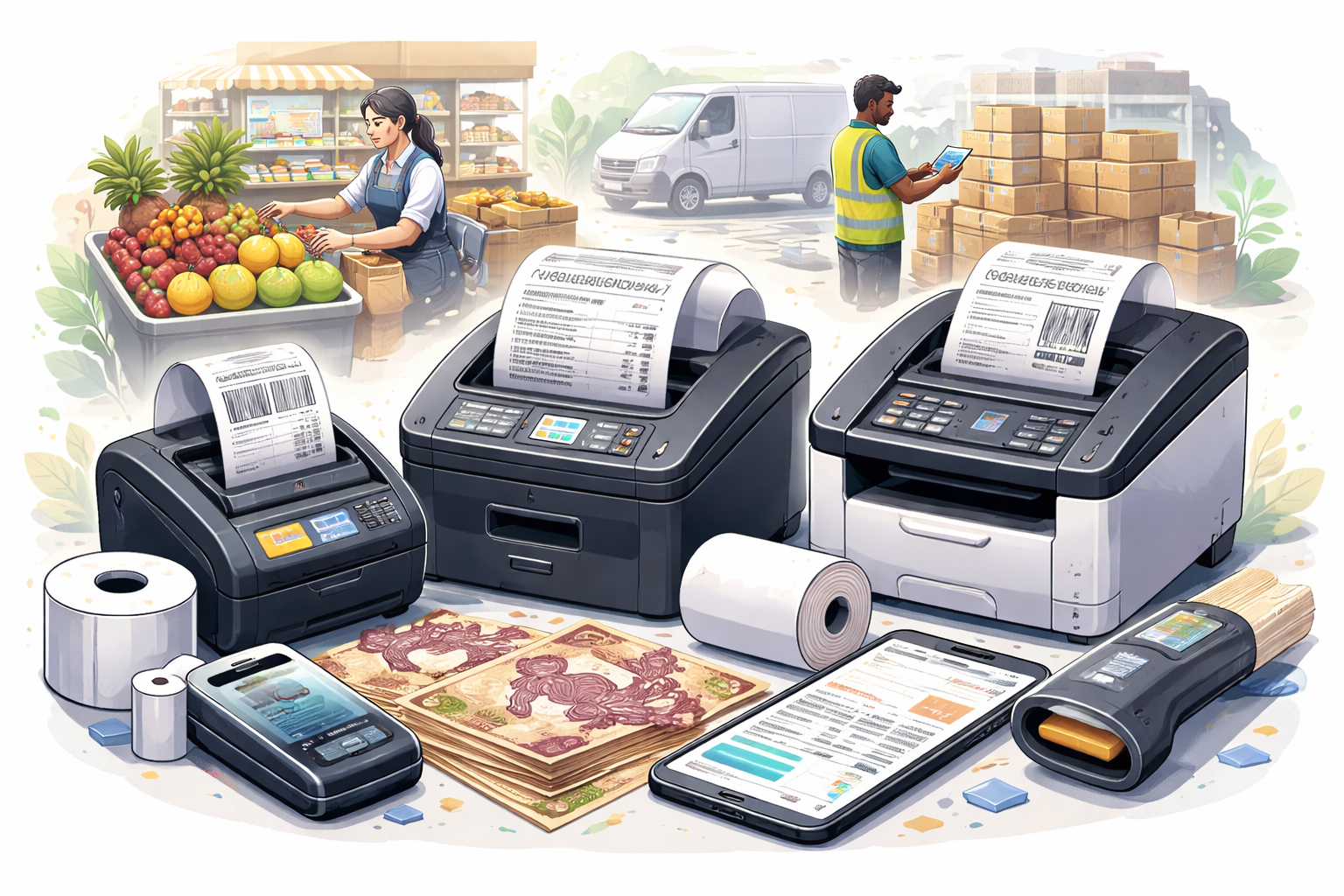
Every time you get a supermarket receipt, a shipping label, or a parking ticket, you're looking at thermal printing output. These printers operate completely differently from standard office printers, and understanding them helps if your business needs this technology.
How Thermal Printing Works
Unlike inkjet or laser printing, thermal printers use heat to create images:
Direct thermal: Heat-sensitive paper turns dark when heated. No ink, toner, or ribbon needed. Simple and cheap to operate, but prints fade over time and with heat exposure.
Thermal transfer: Heat melts ink from a ribbon onto regular paper or labels. More durable output, but requires ribbon replacement. Better for labels that need to last.
Common Applications in Kenya
Point of Sale (POS) receipts: Supermarkets, restaurants, shops – anywhere issuing transaction receipts. Direct thermal dominates here because receipts don't need long-term durability.
Shipping labels: Courier companies, e-commerce businesses, warehouses. Thermal transfer often preferred for labels that must remain readable during transit.
Barcode labels: Inventory management, retail pricing, asset tracking. Quality varies based on need – internal warehouse labels can be direct thermal; product labels may need thermal transfer.
Tickets and wristbands: Events, parking systems, hospitals. Often require durable output that survives handling.
Medical labels: Laboratories, pharmacies, hospitals. May need thermal transfer for durability and resistance to chemicals.
Choosing the Right Thermal Printer
Print width: Match to your label or receipt width. Common sizes are 58mm, 80mm (receipts), and various label widths up to 4+ inches.
Print speed: Measured in inches per second (IPS). Receipt printers need speed for customer flow. Label printers may prioritize quality over speed.
Resolution: Measured in dots per inch (DPI). 203 DPI works for text and simple barcodes. 300 DPI needed for detailed graphics or very small barcodes. 600 DPI for demanding applications.
Connectivity: USB, Ethernet, WiFi, Bluetooth. Consider how the printer connects to your POS system or computers.
Durability: Retail counter printers face different conditions than industrial warehouse printers. Match construction to environment.
Maintaining Thermal Printers
Thermal printers are generally low-maintenance, but still need attention:
Print head cleaning: The thermal print head gets contaminated with paper dust and residue. Clean regularly with approved cleaning cards or swabs. Dirty heads cause faded or uneven printing.
Platen roller cleaning: The rubber roller that feeds media needs cleaning to maintain grip and even contact.
Sensor cleaning: Paper and label sensors can be blocked by dust, causing feed errors.
Paper path clearing: Remove dust, debris, and adhesive residue from label printing.
Common Thermal Printer Problems
Faded prints:
- Print head dirty – clean it
- Heat settings too low – increase in printer settings
- Old or heat-damaged thermal paper
- Failing print head (thermal elements burn out over time)
Partial or missing print:
- Individual print head elements failing
- Label or paper alignment issues
- Driver or template configuration problems
Paper jams:
- Dirty or worn feed rollers
- Incorrect paper loading
- Paper/label size mismatch with settings
Labels not detecting properly:
- Sensor calibration needed
- Dirty sensors
- Using incompatible label types
Consumables Considerations
Thermal paper quality matters: Cheap thermal paper may save money initially but can damage print heads and produce poor output. It may also fade faster.
Ribbon selection (thermal transfer): Wax, wax-resin, and resin ribbons have different durability and media compatibility. Match ribbon to label material and required durability.
Storage: Thermal paper is sensitive to heat and light. Store in cool, dark conditions. Faded receipts often result from poor storage before use.
The Cost Advantage
For high-volume receipt and label printing, thermal technology is very cost-effective:
- No ink or toner to replace (direct thermal)
- Simple mechanism means fewer failures
- Fast printing increases throughput
- Low cost per print
At ilexDigital, we service and maintain thermal printers for businesses across Kenya. From POS receipt printers to industrial label systems, we keep your operations running smoothly. Contact us for thermal printer support and supplies.
Comments
0 commentsLeave a Comment
No comments yet. Be the first to share your thoughts!