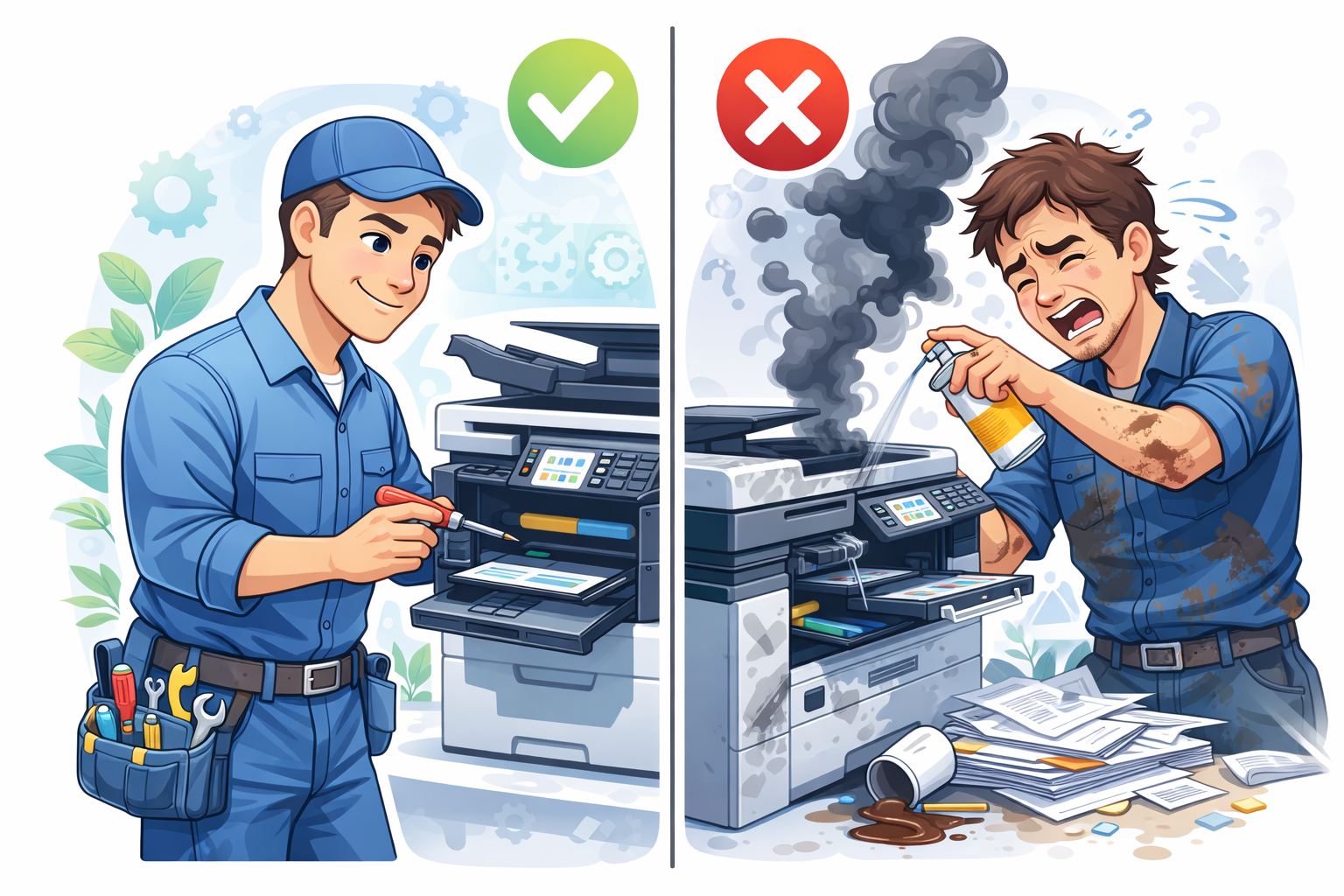
Not every printer problem needs a technician. Simple paper jams, driver updates, and basic cleaning are manageable for most users. But some symptoms signal deeper issues where DIY attempts cause more damage. Know when to call for help.
Definitely Call a Technician For:
Unusual Sounds That Persist
Grinding sounds: Gears are stripping or foreign objects are caught in mechanisms. Continuing to print can cause expensive damage.
Loud clicking during printing: Mechanical components are failing. This won't fix itself and typically worsens.
Squealing or high-pitched sounds: Belts or bearings are wearing. These need replacement before they fail completely.
Key point: If the sound is new and doesn't go away after restarting, professional assessment prevents further damage.
Burning Smells or Visible Smoke
This is urgent. Stop using the printer immediately. Power off and unplug. Do not attempt to diagnose yourself – electrical or thermal damage needs professional assessment and repair.
Recurring Paper Jams in the Same Location
An occasional paper jam is normal. But if paper jams repeatedly in the exact same spot despite:
- Using fresh paper
- Proper paper loading
- Basic cleaning attempts
Then something is physically wrong – worn rollers, damaged guides, or mechanical misalignment. A technician can identify and fix the root cause.
Electrical or Power Issues
Printer won't turn on: Could be the power supply, main board, or simple fuse. Internal electrical diagnosis requires proper tools and knowledge.
Printer turns off randomly: Overheating protection engaging, power supply failing, or electrical faults. Needs diagnosis.
Tripping circuit breakers: The printer has a short circuit or is drawing excessive power. Dangerous to continue using.
Persistent Error Codes
If an error code persists after:
- Restarting the printer
- Checking for obvious problems (paper jams, open doors)
- Looking up the code and trying recommended fixes
Then the underlying component has failed. Service 50 errors (fuser), error 79 (firmware), and similar persistent codes need professional attention.
Visible Damage to Components
If you see:
- Cracked or broken plastic parts
- Damaged or scratched drums
- Melted components
- Visible corrosion on contacts
These need replacement. Continuing to use damaged components causes secondary damage to other parts.
Print Quality Issues That Basic Steps Don't Fix
If you've tried:
- New toner or ink
- Cleaning cycles
- Different paper
- Driver reinstallation
And prints still show consistent defects – lines, blotches, fading, or ghost images – internal components need inspection. Drums, fusers, transfer belts, and print heads have limited lifespans.
You Can Probably Handle:
Simple paper jams: If paper is visible and you can remove it without force, this is usually fine to handle yourself.
Driver installation: Following manufacturer instructions for driver download and installation.
Basic cleaning: Exterior wiping, paper path dust removal, accessible roller cleaning.
Consumable replacement: Toner, ink, drums, and other user-replaceable parts.
Settings configuration: Network setup, preferences, and software configuration.
The Cost of DIY Gone Wrong
We regularly see printers where well-intentioned DIY attempts caused additional damage:
- Torn fuser paper release sheets from forcing jammed paper
- Damaged drums from fingerprints or light exposure
- Broken plastic tabs from forcing panels open
- Static damage from improper component handling
- Stripped gears from using the wrong tools
What would have been a simple repair becomes more expensive because of secondary damage.
Finding a Trustworthy Technician
A good printer technician will:
- Diagnose before quoting (not just guess at repairs)
- Explain what's wrong in understandable terms
- Provide written quotes before starting work
- Tell you honestly if repair isn't worthwhile
- Guarantee their work
Why Choose ilexDigital
At ilexDigital, we provide honest diagnostics and fair pricing. We'll tell you if a problem is simple or serious, whether repair makes sense or replacement is smarter. Our technicians are experienced with all major brands and committed to solving problems properly the first time.
If your printer is showing any of the warning signs above, contact us for professional assessment. We'd rather prevent expensive failures than repair them after the fact.
Comments
0 commentsLeave a Comment
No comments yet. Be the first to share your thoughts!